
A shared QSigma360 platform solution — Available by Configuration
Available by ConfigurationTurn compliance requirements into accountable, traceable work
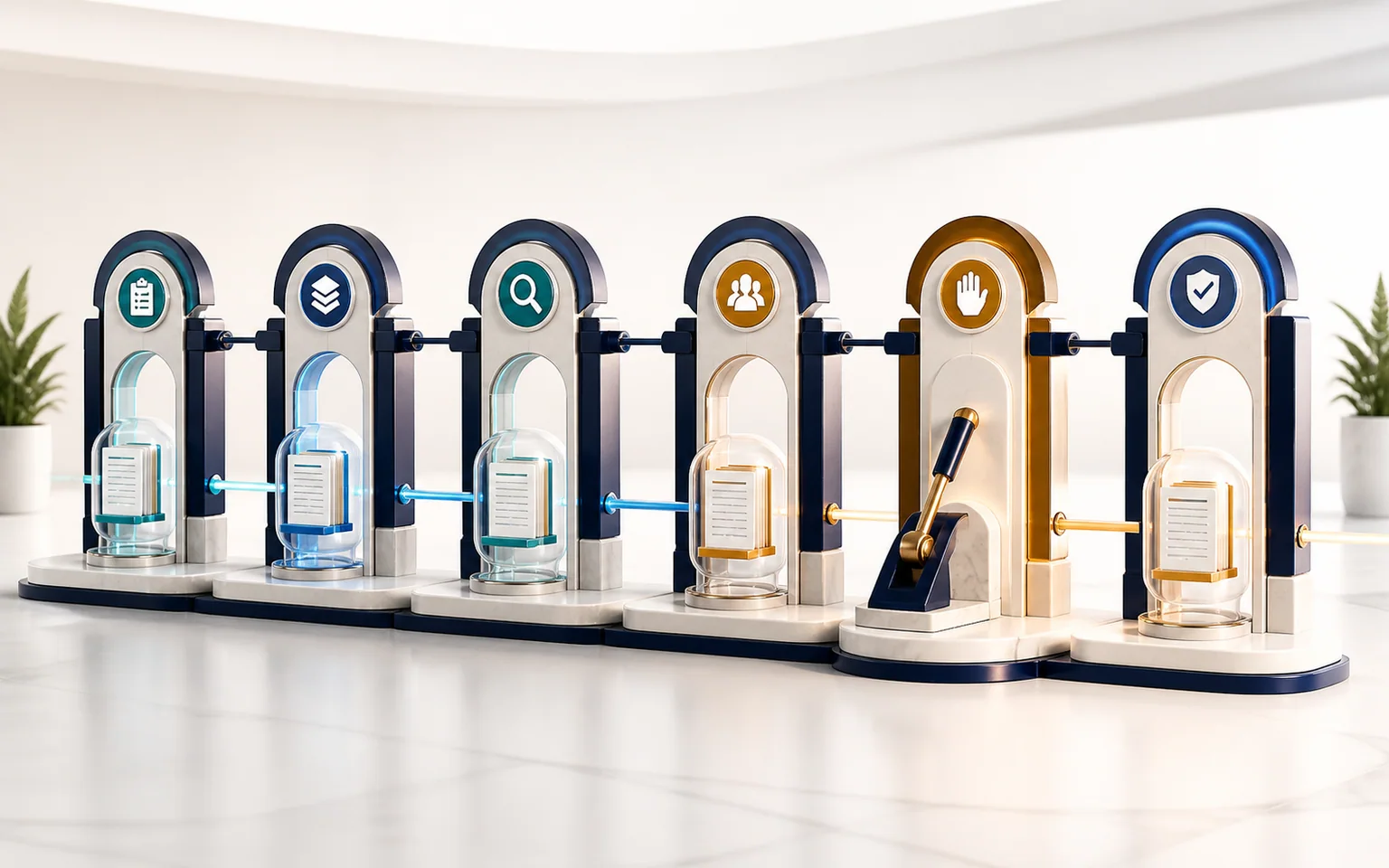
Organize quality and food-safety records from creation through review, execution, verification, and closure with defined stages, assigned tasks, and required evidence. Everyone can see what is required, who owns it, and what comes next—without bypassing professional judgment or human approval.
Who is this solution for?
For quality, compliance, and food-safety leaders; document-control, audit, and supplier-quality teams; process owners; and multisite organizations. It supports complaints, nonconformance, CAPA, changes, documents, audit findings, supplier actions, and risk activities.
The problem and the value
Requirements scattered across forms, inboxes, and spreadsheets can leave a record without an owner, hide a pending review, or allow a decision before evidence is complete. QSigma360 turns the process into a controlled lifecycle of stages, tasks, evidence, and permissions. Follow-up depends less on memory, accountability is clearer, and history supports audit. Automation organizes work; it does not determine legal conformity, award certification, or replace qualified experts.
Six core capabilities
- 1Defined lifecycles: Use stages such as submission, investigation, review, execution, verification, and closure; block invalid transitions.
- 2Contextual ownership: Assign a user, role, or department with priority, due date, and state visible in the source record.
- 3Evidence gates: Require selected fields, attachments, or review results before progression to prevent incomplete closure.
- 4Governed approval: Retain approval, rejection, return, and reason; link electronic signing where enabled while signing remains human.
- 5Timeline and audit history: Show stages, tasks, decisions, comments, and transitions, retaining material events for accountability.
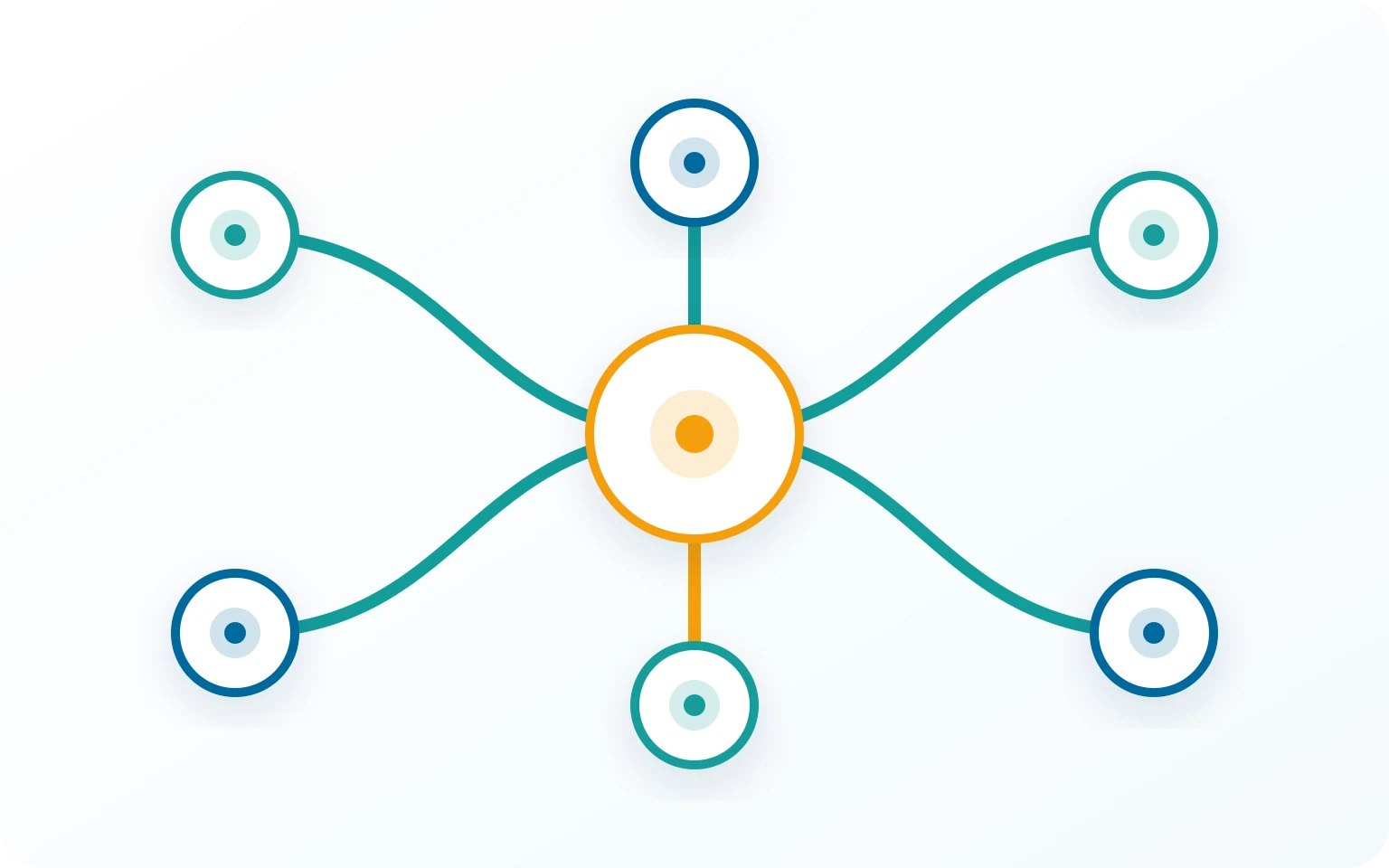
- 6Cross-module relationships: Link complaints to NCR or CAPA, findings to actions, and changes to documents while each module owns its record.
Integration, governance, and availability boundaries
Workflow automation works with enabled modules, My Tasks, permissions, audit history, reports, and signature and notification services where enabled. Email, webhooks, and third-party connections are available only after configuration and testing, while comprehensive notifications, scheduling, and multichannel escalation are not complete in every scope. If authorized AI is enabled, it may suggest wording or summaries; it cannot change official state, approve, sign, close, release, or send a decision.
Relationships that preserve context
A conceptual view of the connected relationships described in the governing content; it is not a UI screenshot or customer data.
Workflow from the governing content
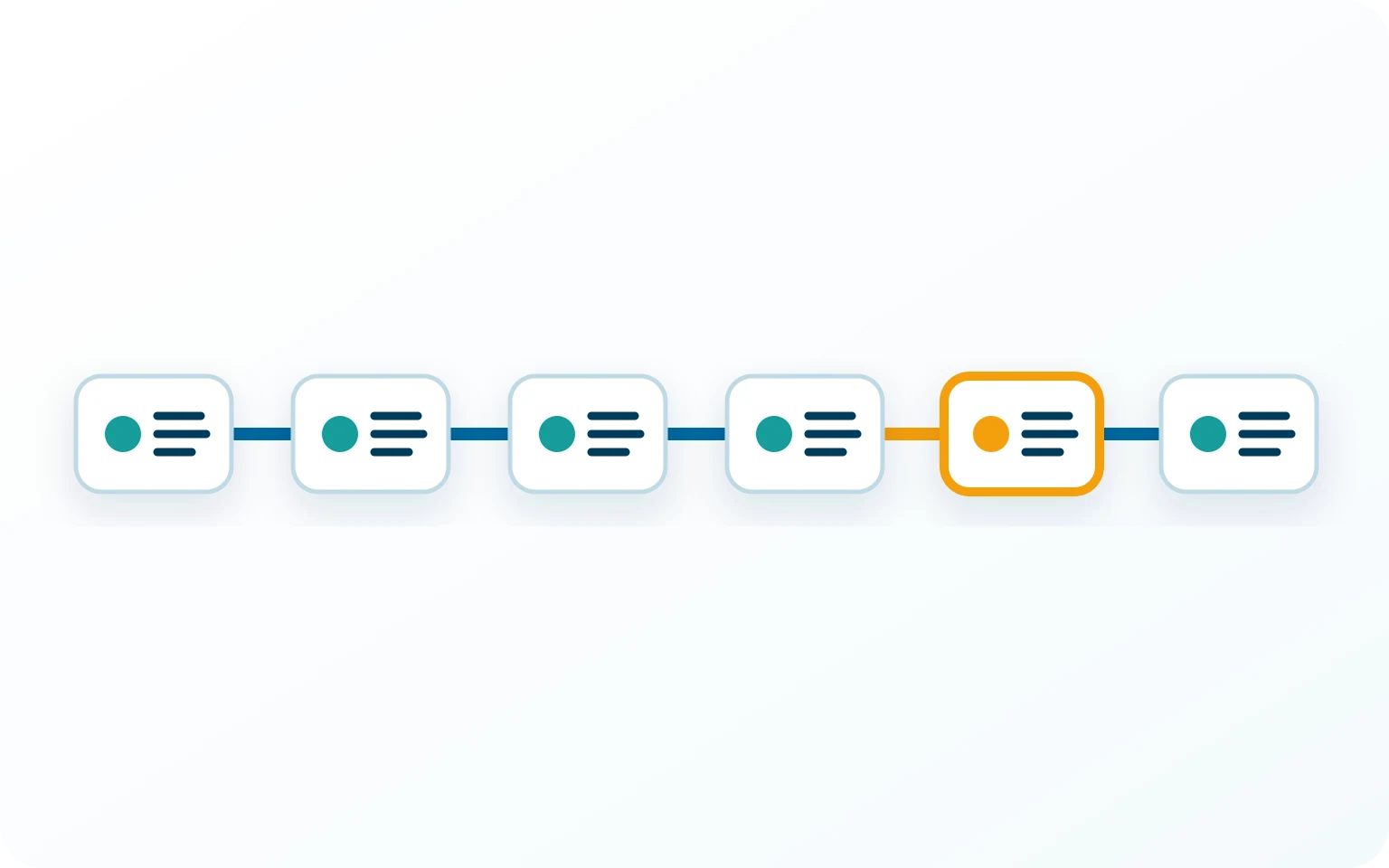
Workflow in six steps
- 1
Configure: Define stages, roles, conditions, evidence, and deadlines for the enabled scope.
- 2
Start: Create the event in its module with a number, state, and context.
- 3
Route: Move the record and assign tasks according to permissions and configured rules.
- 4
Complete: Perform the work and add evidence; required gaps block progression.
- 5
Decide: An authorized person approves, rejects, or returns, and signs only when enabled and required.
- 6
Verify and close: Review the result, close through authorized action, and retain history and links.
Frequently asked questions
Is Compliance Workflow Automation a standalone module?
No. It is a shared capability used by enabled modules to control stages, tasks, transitions, approvals, and history according to plan and configuration.
Is there a drag-and-drop, no-code designer for every workflow?
No. Templates and configuration interfaces exist, while the advanced visual designer, simulation, and some branching remain partial or targeted.
Does automation include every alert, escalation, and external integration?
No. Availability depends on configuration, providers, and testing. Comprehensive notifications, scheduling, broad escalations, and multichannel integrations are not automatically complete.
Does the solution guarantee compliance, or can AI approve a record?
No. QSigma360 supports process, evidence, and traceability; it neither certifies nor guarantees compliance. Decisions, approvals, signatures, closure, and release remain human. AI only suggests.
See how your current procedures become a clearer workflow
Discuss your records, roles, and evidence, and see the automation scope available to your organization.