
1. Audit programs and schedules
Organize recurring programs, planned scopes, facilities or processes, priorities, dates, owners, and completion status in one coordinated view.
Audit & Inspection Management
Core capabilities availableQSigma360 provides a connected path from the audit program and schedule through checklists, evidence, findings, actions, follow-up, and reporting. Instead of moving critical context between spreadsheets, documents, and email threads, each decision stays linked to its owner, date, evidence, and current status.
Core audit management capabilities are available. A standalone auditor portal, offline execution, advanced standards libraries, and selected automated analytics remain partial or on the product roadmap.
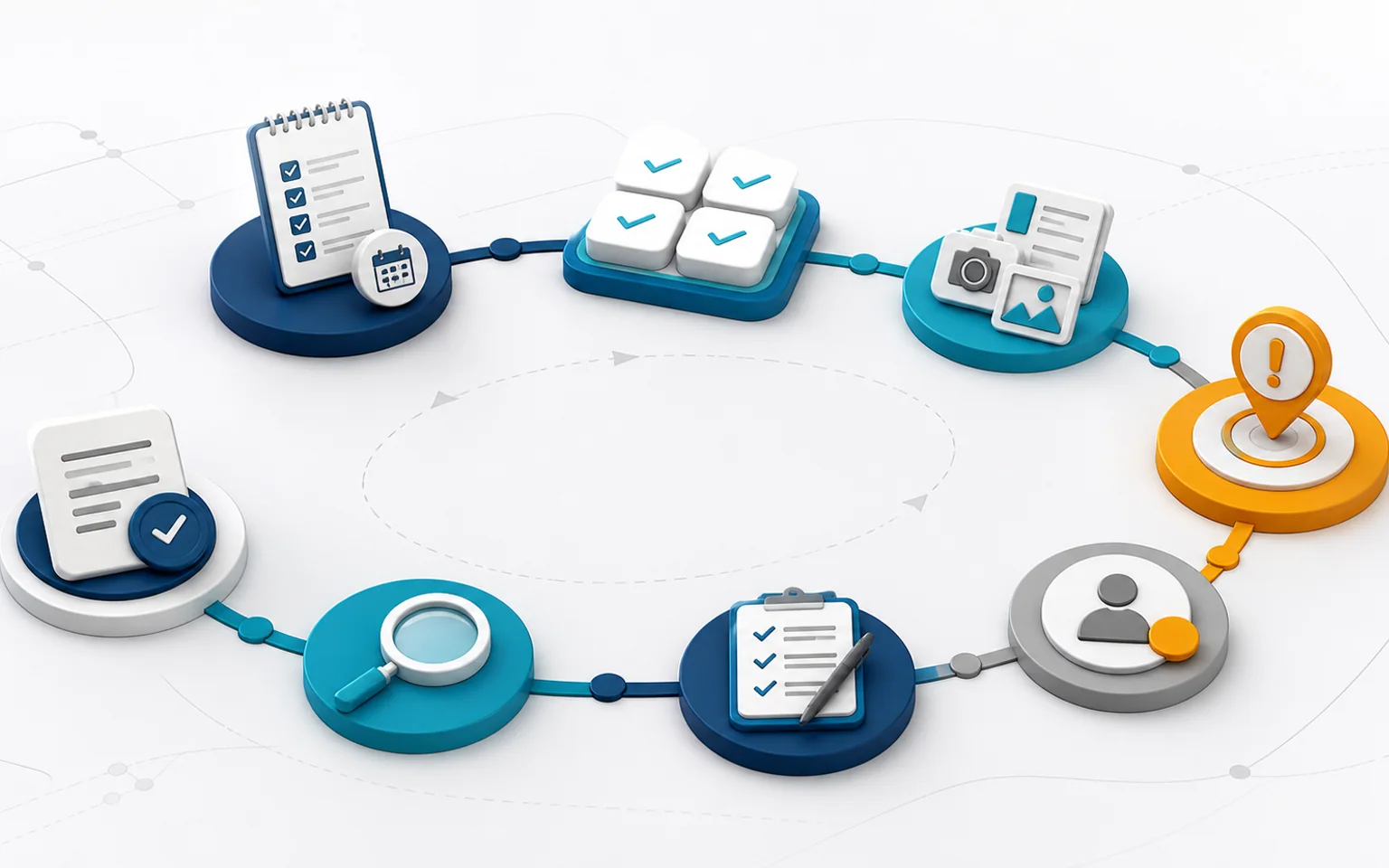
An audit loses value when teams cannot identify the checklist, supporting evidence, or whether an action worked. QSigma360 brings those elements into a structured record showing scope, team, timing, status, and outstanding work. Quality leaders can see overdue audits, repeated findings, open actions, and items requiring verification.
Organize recurring programs, planned scopes, facilities or processes, priorities, dates, owners, and completion status in one coordinated view.
Record audit type, objectives, criteria, scope, team, participants, duration, and references, keeping the approved plan connected to execution.
Work with structured sections, questions, response types, and scoring where an approved method applies. Require comments or evidence for designated responses.
Attach permitted files, images, records, or controlled documents. Classify findings using your methodology and link each finding to its criterion, evidence, owner, and due date.
Track the action plan, accountable owner, deadline, implementation evidence, adequacy review, and effectiveness checks. Reopen a finding when the response is insufficient.
Produce core audit and follow-up reports, then review completion, overdue work, and recurring findings. Core reporting is available; selected advanced analytics remain partial.
Audit findings can connect to nonconformance records, CAPA, SCAR, tasks, Document Control, Supplier Quality, and reports. When enabled, AI can draft questions or summaries; it cannot approve a finding or close an audit. Permissions, human review, and the audit trail remain the governing controls.
Illustrative view — no customer data
From scattered observations to follow-through you can prove
Core capabilities
How the cycle works
Integration that turns findings into action
Yes. The current foundation supports programs, schedules, checklists, findings, follow-up, and reports across multiple scenarios, including internal and supplier audits, subject to configuration and permissions.
Not yet as a fully independent product. End-to-end temporary external access remains partial or on the roadmap.
Offline execution is not a completed capability today. Teams should plan for suitable connectivity during fieldwork.
No. Closure depends on authorization, required actions and evidence, and your organization’s rules. AI suggestions also remain subject to human review.
See how QSigma360 connects audit planning, evidence, findings, follow-up, and reporting in one traceable workflow.
Start with a tailored demo built around your organization’s needs.